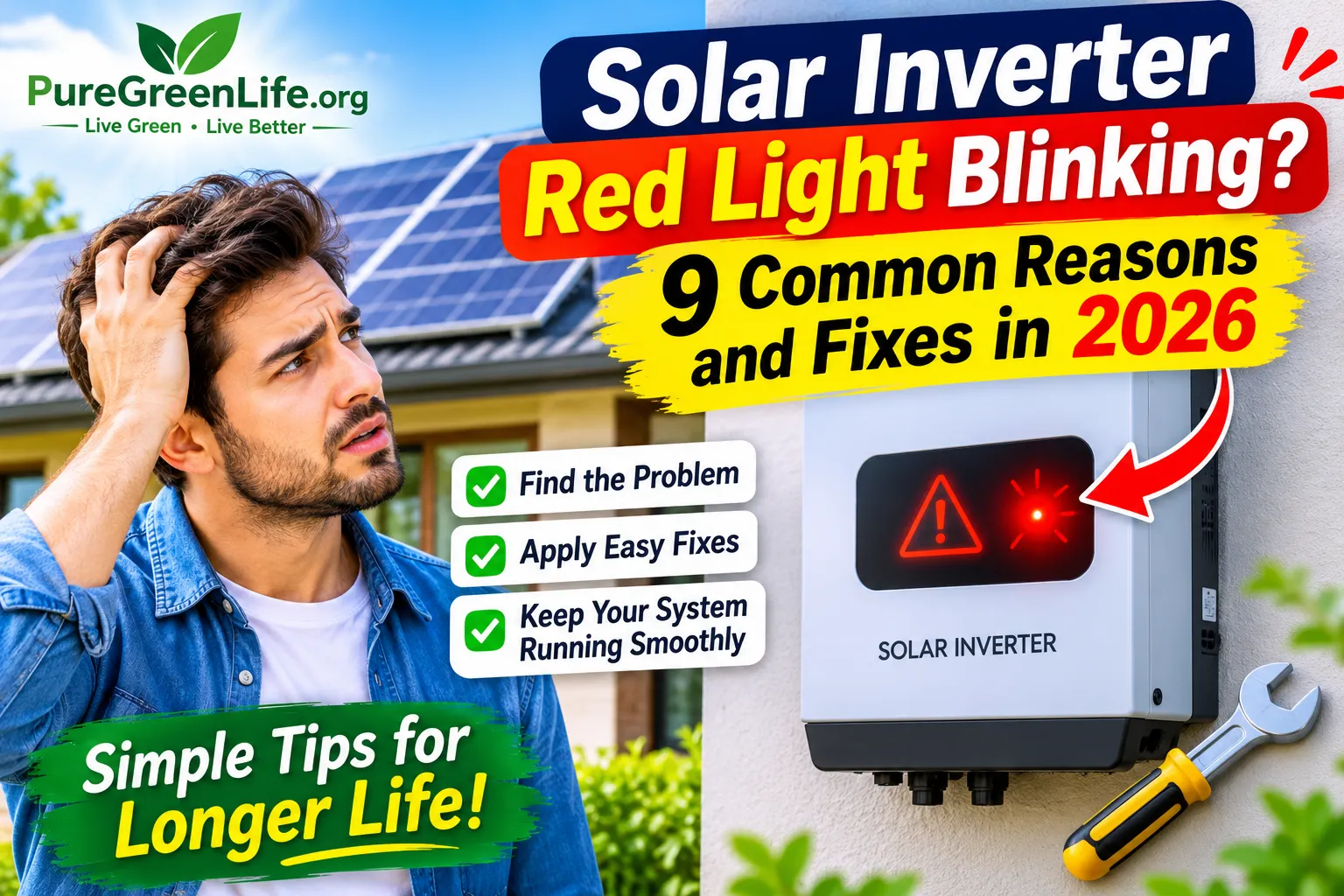
A solar inverter converts solar power into usable electricity for your home. It also monitors your solar system and detects possible problems. When something goes wrong, its warning lights may start blinking. A red blinking light often indicates an alarm or fault.
However, its exact meaning depends on the inverter brand and model. Different manufacturers use different light patterns and error codes. This guide explains nine common reasons for a blinking red light. It also covers practical fixes and safe troubleshooting steps.
What Does a Blinking Red Light on a Solar Inverter Mean?
A blinking red light usually means the inverter has detected an abnormal condition. The problem may involve batteries, solar panels, grid power, or internal components.Some inverters use red lights for minor warnings. Others use them to indicate serious faults. A steady red light may also have a different meaning from a blinking one.Therefore, check the inverter display and error code first. Your manufacturer’s manual will explain what each warning means.
9 Common Reasons Your Solar Inverter Red Light Is Blinking
Several problems can trigger a red warning light. Understanding these causes can help you identify the issue.
Low Battery Voltage
Low battery voltage is common in battery-based solar systems. It can happen when batteries become heavily discharged. Cloudy weather may also reduce battery charging.
Old batteries and loose connections can cause similar problems. The inverter may display a low-battery warning when voltage drops below its recommended limit.Check the battery level on the inverter display. Reduce unnecessary electrical loads if the battery is low. Allow it to recharge within its recommended limits.If the warning continues, ask a technician to inspect the battery. Never open a battery or touch exposed terminals.
Solar Panel Voltage Problems
Solar panels provide DC electricity to the inverter. The inverter needs this voltage to remain within its operating range.Excessive voltage, incorrect connections, or damaged cables can trigger warnings. Some inverters also detect reverse connections or insulation problems.Check the display for a solar input error. Look for visible cable damage without touching electrical connections. Keep the panels clear of heavy dirt and debris.Ask a qualified technician to test the solar voltage. Never disconnect solar cables yourself.
Grid Voltage Is Too High or Too Low
Grid-connected inverters monitor the electricity supply. They need acceptable voltage and frequency levels to operate correctly.If grid voltage becomes too high or too low, the inverter may stop exporting power. It may also display an AC warning or blink its red light.Check whether other electrical appliances are working normally. Look for grid-related warnings on the inverter screen. Contact your electricity provider if the supply appears unstable.A qualified electrician should inspect the wiring and voltage. Never change grid protection settings without professional guidance.
Inverter Overload
Every inverter has a maximum power capacity. Connecting too many appliances can exceed that limit.Air conditioners, water pumps, heaters, and refrigerators can use significant power. Some appliances also require extra power when starting.An overload may trigger an alarm or shut down the inverter. Switch off unnecessary appliances and check the inverter’s rated capacity.Keep the connected load within the recommended limit. If the warning continues, contact a solar technician.
High Operating Temperature
Solar inverters produce heat while converting electricity. High outdoor temperatures can make cooling more difficult.Direct sunlight, blocked air vents, and poor ventilation can increase internal temperatures. Dust buildup may also affect cooling performance.
Keep the inverter in a shaded, ventilated location. Remove objects blocking its external air vents. Follow the manufacturer’s instructions for cleaning.Never open the inverter to clean its internal parts. If overheating continues, arrange a professional inspection.
Loose or Damaged Electrical Connections
Loose electrical connections can interrupt power flow. Damaged cables may also cause abnormal voltage readings.These problems can occur on the AC, DC, or battery side. Corrosion, heat, and poor installation may contribute.
Look for visible cable damage without touching electrical connections. Pay attention to burning smells, unusual noises, or discoloration.If you notice these warning signs, keep away from the equipment. Contact a qualified electrician immediately. Never tighten live electrical terminals yourself.
Cooling Fan or Ventilation Problems
Some solar inverters use cooling fans to control internal temperature. A blocked or faulty fan can reduce airflow.Dust, physical damage, or fan failure may cause cooling problems. The inverter may then display a temperature warning.
Check whether the external ventilation area is clear. Listen for unusual fan noise from a safe distance. Review the display for temperature warnings.If the fan is not working correctly, contact an authorized technician. Never remove the inverter cover yourself.
Communication or Monitoring Problems
Some inverters connect to mobile apps and monitoring platforms. These tools help users check system performance and receive alerts.A communication problem may interrupt monitoring data. However, losing internet access does not always mean the inverter has failed.
Check your Wi-Fi connection and monitoring device. Restart your router if the connection is unavailable. Also, check the inverter’s local display for actual fault messages.If the inverter reports a hardware fault, contact the manufacturer or installer.
Internal Inverter Hardware Fault
An internal component may fail because of age, heat, or electrical stress. Manufacturing defects can also cause hardware problems.Damaged electronic components or internal circuits may trigger a red warning. The inverter may also stop producing electricity.
Record the displayed error code. Check the manufacturer’s troubleshooting guide for your model. If the fault continues, contact an authorized service provider.Never open the inverter or replace internal parts yourself. Its electrical components may retain dangerous energy.
Quick Comparison of Red Light Problems and Fixes
This table summarizes common warning conditions and possible actions. Actual indicator meanings vary between inverter brands and models.
| Possible reason | Common sign | Recommended action |
|---|---|---|
| Low battery voltage | Low battery warning | Recharge and check battery health |
| Solar voltage problem | DC input alarm | Ask a technician to test connections |
| Grid voltage issue | AC or grid warning | Check the supply and contact an electrician |
| Inverter overload | Overload warning | Reduce connected electrical loads |
| High temperature | Temperature alarm | Improve external ventilation |
| Loose wiring | Intermittent operation | Arrange a professional inspection |
| Fan problem | Poor cooling or fan warning | Request fan inspection |
| Communication issue | Missing monitoring data | Check internet connections |
| Internal hardware fault | Persistent fault code | Contact authorized service support |
How to Troubleshoot a Blinking Red Light Safely
You can perform a few basic checks without opening the inverter. These steps may help you understand the warning.
Check the Inverter Display
Look at the inverter screen for an error code or warning message. Write down the code before taking further action.
Check the Monitoring App
Open your inverter’s official monitoring app, if available. Review the alarm history and current system status.
Check the Connected Load
Notice whether the warning started after switching on a large appliance. Reduce unnecessary loads if the inverter reports an overload.
Check External Ventilation
Make sure nothing blocks the inverter’s external air vents. Remove objects that restrict airflow around the equipment.
Read the Manufacturer’s Manual
Find the LED indicator section in your inverter manual. Compare the blinking pattern with its official fault descriptions.
Contact a Qualified Technician
If the warning continues, arrange a professional inspection. Share the inverter model, error code, and warning history.
Important safety note: Never open the inverter or touch internal wiring. Solar panels can produce dangerous DC voltage during daylight. Follow the manufacturer’s shutdown procedure through a qualified professional.
Does a Blinking Red Light Mean the Solar Inverter Is Damaged?
Not always. A blinking red light can indicate a temporary warning or a condition that needs attention.For example, unstable grid voltage may cause an inverter to stop operating temporarily. An overload may also clear after reducing the connected load.
However, some warnings indicate serious electrical or hardware problems. Check the error code and manufacturer’s instructions first. If the warning continues, arrange an authorized inspection.
When Should You Call a Solar Technician?
Some inverter problems need professional testing and repair. Contact a qualified technician if the red light keeps blinking after basic checks.
Professional help is also necessary when the inverter displays repeated fault codes. Damaged cables, unusual noises, and excessive heat also need attention.
If you notice smoke, sparks, or a burning smell, stay away from the equipment. Do not touch electrical switches or cables. Contact a qualified electrical professional or emergency services as appropriate.
How to Prevent Solar Inverter Warning Lights
Regular maintenance can help prevent many inverter problems. It also helps identify possible faults before they become serious.
Keep the inverter’s ventilation area clear. Arrange periodic inspections of electrical connections. If your system uses batteries, ask a technician to check their condition.
Monitor system performance through the official app. Pay attention to unusual changes in power production. Clean solar panels according to the manufacturer’s recommendations.
Avoid connecting appliances beyond the inverter’s rated capacity. Always use qualified installers for electrical work and system changes.
Frequently Asked Questions
Why is my inverter’s red light blinking at night?
It may be a separate warning, so check the display and manual.
Can I reset the inverter to fix the red light?
A reset may clear temporary warnings, but it cannot fix real faults.
Why is it blinking red but still working?
Some inverters keep running while showing a warning, so check the alarm history.
Is a steady red light worse than a blinking one?
Not always. Each brand uses its own meaning, so check the manual.
How long can I run it with a red warning light?
There is no fixed limit, so call a technician if the warning is unclear.
Final Thoughts
A blinking red light on a solar inverter can have several causes. Low battery voltage, grid problems, overload, and overheating are common possibilities. Electrical connection issues and internal faults can also trigger warnings.
Start by identifying the exact error code. Check your inverter’s manual and monitoring app for accurate information. Avoid opening the equipment or handling live electrical connections.If the warning continues, contact a qualified solar technician. Quick professional attention can help protect your inverter and solar system.
For more helpful guides on solar energy, renewable technology, and sustainable living, visit Pure Green Life.