
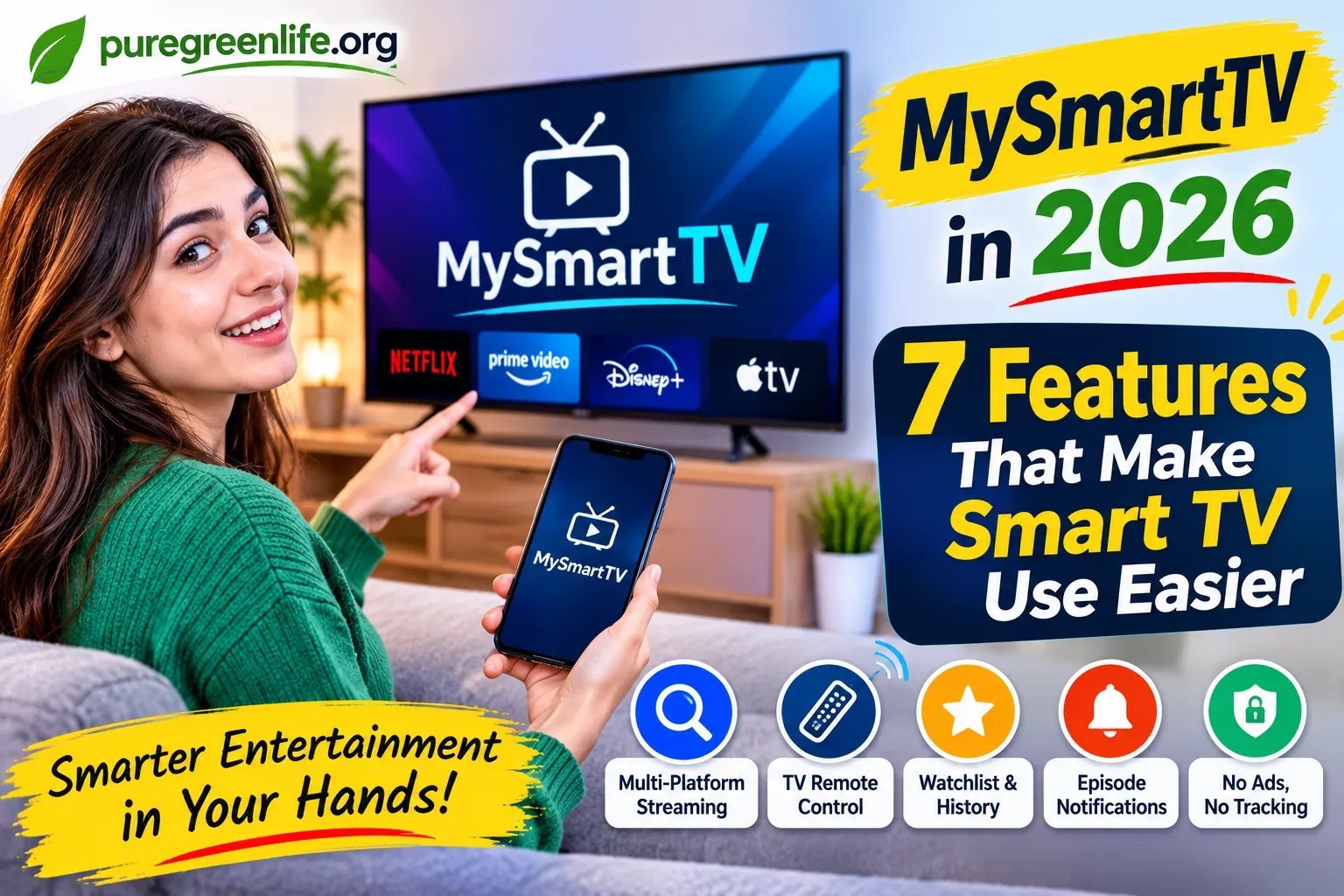
MySmartTV brings smart entertainment tools together in one companion app. It aims to make streaming discovery, TV management, and watchlists easier to organize. Before using it, check device compatibility and the latest beta availability. This can help you understand which features are currently supported.
What Is MySmartTV?
Smart TVs make entertainment easier by bringing streaming services into one place. Still, managing different platforms can sometimes feel confusing. Users may switch between apps to find shows, check episodes, and manage their viewing.
MySmartTV aims to make this experience more organized. It is a smart TV companion app developed by CSX Developers. The app connects an Android phone with the TV experience. It focuses on streaming discovery, device management, viewing history, and episode notifications.
Instead of replacing your television, MySmartTV works as a companion. Its goal is to help users manage entertainment across different services. This makes it relevant to the growing smart home and connected entertainment market.
How Does MySmartTV Work?
MySmartTV is designed to connect your phone with your television experience. It brings several entertainment-related features together in one app.
Users can explore content across supported streaming platforms. They can also manage TV devices and organize viewing activity. The app is designed to support services such as Netflix, Prime Video, Disney+, and Apple TV.
Its companion approach can reduce the need to manage every viewing activity separately. The exact experience may depend on supported services and device compatibility.
Main Features of MySmartTV
MySmartTV focuses on features that can make everyday TV use more convenient. Here are the main functions described by its developer.
1. Multi-Platform Streaming Discovery
Finding something to watch can take time. Different streaming services have separate libraries and search systems.
MySmartTV aims to bring content discovery across multiple platforms. Users can explore shows and movies from supported services. This can make it easier to find entertainment without checking every platform individually.
The developer lists Netflix, Prime Video, Disney+, and Apple TV among its supported service examples. Actual availability may depend on the app’s supported integrations.
2. TV Remote and Device Management
Managing a television often requires its physical remote. This can become inconvenient when the remote is missing or difficult to find.
MySmartTV lists TV remote and device management among its features. The idea is to use a phone as a companion for TV control and management.
The exact controls and supported television models should be checked before relying on this feature. Compatibility can vary between devices and manufacturers.
3. Watchlist and Viewing History
People often forget the names of shows they planned to watch. A watchlist can help keep those choices organized.
MySmartTV includes viewing history and watchlist synchronization in its feature list. These tools aim to help users keep track of their entertainment.
A synchronized watchlist can also make it easier to continue managing viewing choices across devices. The available synchronization options depend on the final supported features.
4. Episode Notifications
Keeping track of new episodes can be difficult across several streaming services. Users may not want to check each platform every day.
MySmartTV lists push notifications for new episodes and live events. These alerts are intended to help users stay informed about entertainment updates.
This feature may be useful for people who follow several ongoing shows. Notification availability can depend on supported services and settings.
5. No Ads and No Tracking
Privacy is an important part of connected home technology. Many users prefer apps that collect less information about their activity.
CSX Developers describes MySmartTV as an app with no ads and no tracking. The developer also states that viewing data stays private.
Users should still review the app’s privacy information before joining a beta programme. Privacy details and policies can change as an app develops.
MySmartTV Features at a Glance
| Feature | Main Purpose | Potential Benefit |
|---|---|---|
| Streaming discovery | Explore content across services | Easier content search |
| TV management | Manage supported TV devices | More convenient control |
| Watchlist sync | Organize viewing choices | Better show tracking |
| Viewing history | Keep track of watched content | Easier viewing management |
| Episode notifications | Receive entertainment alerts | Fewer missed episodes |
| Privacy-focused design | No ads and no tracking, according to its developer | More private experience |
Benefits of Using MySmartTV
A companion app can make connected entertainment easier to manage. MySmartTV brings several useful ideas into one platform.
More Organized Entertainment
Users often move between several streaming services. A combined discovery experience may reduce this extra effort.
Easier Viewing Management
Watchlists and viewing history help users organize their entertainment. They can keep track of shows they want to watch.
Convenient Phone-Based Controls
Phone-based TV management can be useful in everyday situations. It may help when the physical remote is not nearby.
Helpful Entertainment Notifications
Episode alerts can help users follow their favorite shows. They may also reduce the need to check streaming apps repeatedly.
A Privacy-Focused Approach
The developer says MySmartTV has no ads or tracking. This approach may appeal to people who value privacy.
MySmartTV vs. Traditional TV Remote Apps
Traditional TV remote apps mainly focus on controlling television functions. MySmartTV describes a wider companion experience.
| Area | Traditional Remote Apps | MySmartTV |
|---|---|---|
| Main focus | TV control | Entertainment and TV management |
| Content discovery | Often limited | Multi-platform discovery |
| Watchlists | Depends on the app | Listed as a feature |
| Viewing history | Not always included | Listed as a feature |
| Episode notifications | Usually limited | Listed as a feature |
| Device management | Often available | Listed as a feature |
The comparison describes general app categories, not a direct test of every competing product. Features can vary by app and supported television.
Is MySmartTV Available to Everyone?
MySmartTV has been presented by CSX Developers as a beta app. Its official page invites users to join the testing programme.
This means users should check the current beta access information before expecting a full public release. Beta software can change as developers improve features and fix problems.
Availability may also depend on the user’s device and region. Check the official developer page for the latest access details.
Things to Check Before Using MySmartTV
Before trying any smart TV companion app, check a few important details.
Check Device Compatibility
Make sure your Android phone and television are supported. Different TV brands use different operating systems and connection methods.
Review Supported Streaming Services
Check whether the services you use are supported. Do not assume every streaming platform is included.
Understand Beta Limitations
Beta apps may contain bugs or incomplete features. Some functions may change before the public release.
Read the Privacy Information
Review the developer’s privacy details before connecting devices. Understand what information the app accesses and how it is handled.
Frequently Asked Questions
What is MySmartTV?
MySmartTV is a smart TV companion app from CSX Developers. It focuses on streaming discovery, TV management, watchlists, and episode notifications.
Is MySmartTV a television brand?
No. The MySmartTV discussed in this article is a companion app. It is not a television manufacturer.
Can MySmartTV manage streaming services?
The developer describes multi-platform streaming discovery across services such as Netflix, Prime Video, Disney+, and Apple TV. Check current compatibility before using it.
Does MySmartTV offer remote control features?
Its official feature list includes TV remote and device management. Supported controls may depend on the connected television.
Is MySmartTV free from advertisements?
CSX Developers describes the app as having no ads and no tracking. Check its latest privacy information for current details.
Is MySmartTV publicly released?
The developer has described MySmartTV as a beta app. Check its official page for current testing access and release updates.
Final Thoughts
MySmartTV is designed to make connected entertainment more organized. Its features focus on streaming discovery, device management, watchlists, and episode notifications.
The app may appeal to people who use several streaming services. Its phone-based companion approach also offers another way to manage TV activity.
Still, users should check compatibility and beta access first. MySmartTV is a developing app, so its features may change. Visit the official developer page before deciding whether it suits your smart home setup.





One thought on “My Smart TV in 2026: 7 Features That Make Smart TV Use Easier”