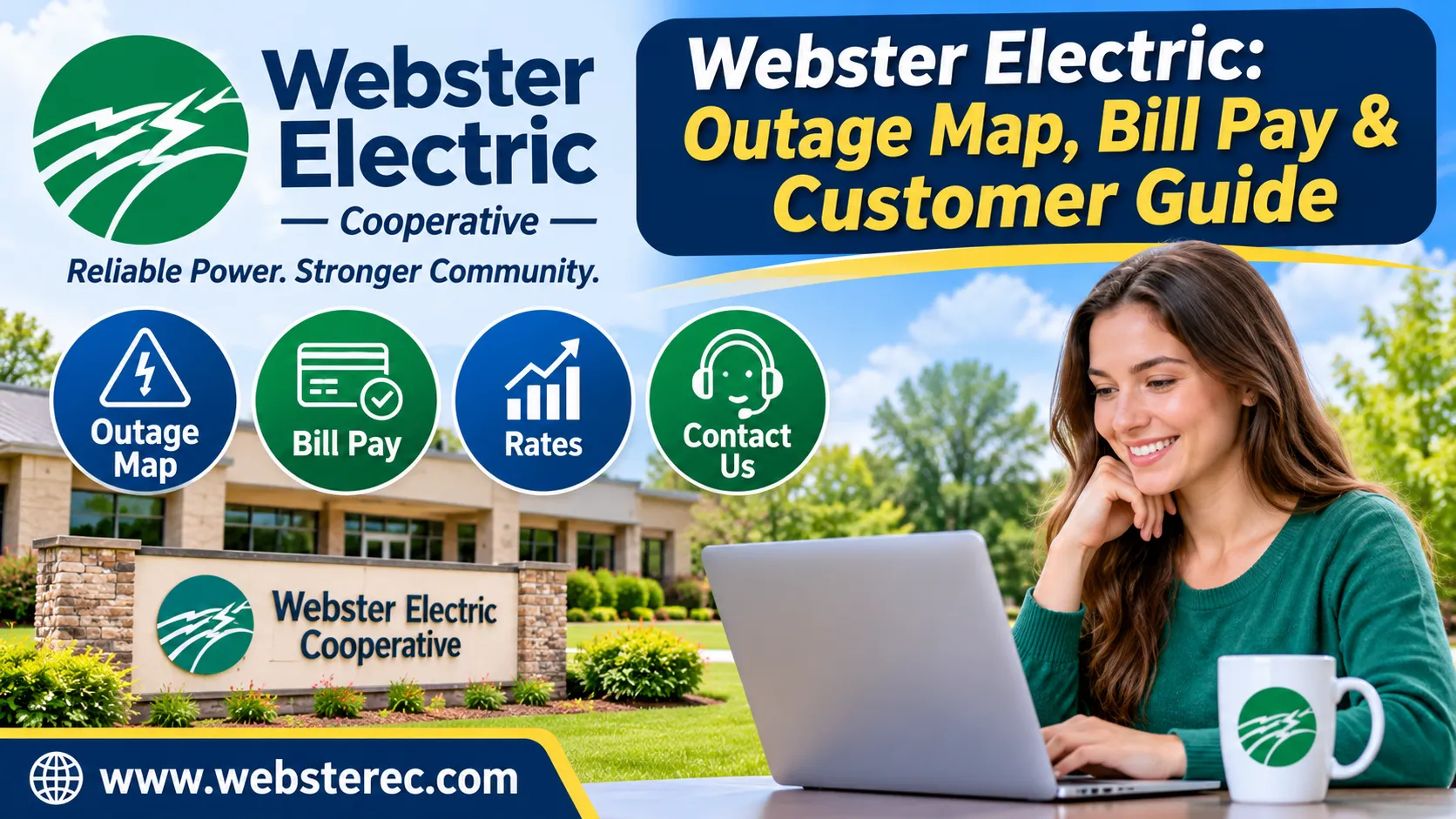
If you receive electricity from Webster Electric Cooperative in Missouri, you may need help checking power outages, paying monthly bills, or finding customer service information. The cooperative provides online account tools, outage reporting, and different payment options for its members.
This guide explains how the cooperative works, where to find its outage map, how to manage your account, and how to get customer support.
What Is Webster Electric?
Webster Electric Cooperative is a member-owned electric utility based in Marshfield, Missouri. It provides electricity to homes, farms, and businesses across its service area.
The cooperative offers several member services, including online billing, outage reporting, electric rates, and account management.
You can visit the Official Cooperative Website to explore its services and customer resources.
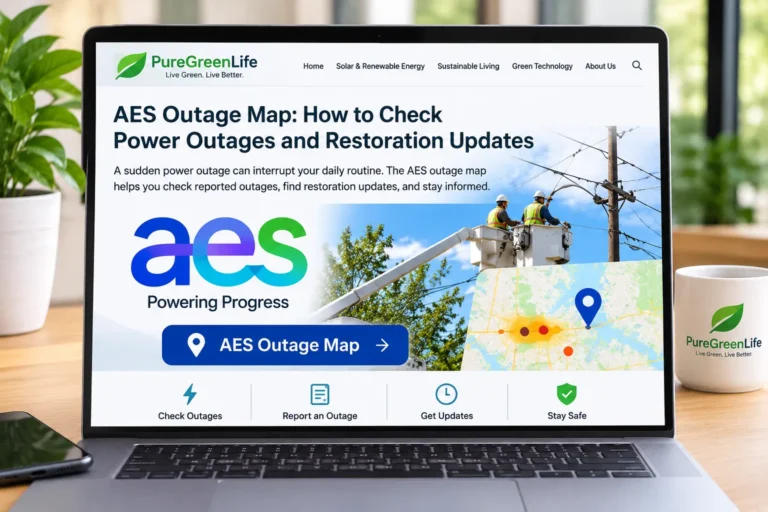
How to Check the Webster Electric Outage Map
If your electricity suddenly stops working, checking the outage map can help you understand whether other customers are experiencing the same problem.
Follow these steps:
- Visit the Official Cooperative Website.
- Find the Outage Map option.
- Open the map to view reported power interruptions.
- Check whether your area appears affected.
- Contact the cooperative if you need to report an outage.
The map may show affected areas, but updates can take time. A missing outage marker does not always mean your home has a separate electrical problem.
How to Report a Power Outage
Webster Electric provides 24-hour outage reporting. Customers can call 417-859-2216 to report a power interruption.
Before calling, check whether nearby homes also have electricity. You can inspect your breaker panel if it is safe to do so.
Never touch fallen power lines or damaged electrical equipment. Stay at least 35 feet away from downed power lines and report them immediately.
How to Pay Your Electric Bill Online
The cooperative offers online account management through SmartHub. Members can use its website or mobile app to view bills, make payments, and manage account settings.
Follow these steps to access your account:
- Visit the SmartHub Account Portal.
- Select Log In if you already have an account.
- Choose Register if you are a new user.
- Enter your account details.
- Follow the instructions to access your billing information.
Keep your account number ready when registering.
Available Payment Options
The cooperative offers several payment options for its members.
- Automatic bank payments: Payments can be withdrawn from your checking account.
- Recurring card payments: Use an eligible credit or debit card for automatic payments.
- SmartHub payments: Pay bills through the online portal or mobile app.
- Paperless billing: Receive electronic statements and account notifications.
Visit the Online Bill Payment Page for current payment instructions.
Electric Rates and Monthly Charges
Your electricity bill depends on how much power you use and the rates applied to your account.
The cooperative lists a residential and small commercial energy charge of $0.07933 per kWh, with a separate monthly service availability charge of $36. Applicable taxes are additional.
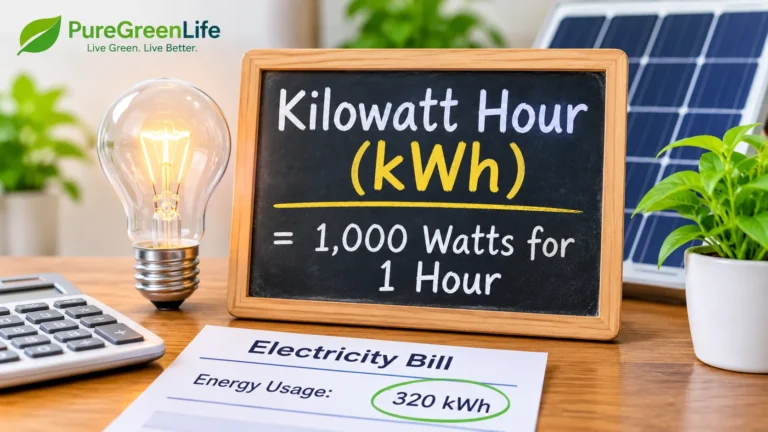
A kilowatt-hour (kWh) measures how much electricity you use. For example, a 1,000-watt appliance running for one hour uses 1 kWh.
Your final bill may include additional charges or adjustments. Check the Current Electric Rates for the latest details.
Customer Service Contact Information
You can contact the cooperative for questions about billing, new service, account access, or power interruptions.
| Contact Detail | Information |
|---|---|
| Phone | 417-859-2216 |
| Toll-Free Phone | 1-800-643-4305 |
| info@websterec.com | |
| Address | 120 Vivian St., Marshfield, MO 65706 |
| Office Hours | Monday–Friday, 8 a.m.–5 p.m. |
| Outage Reporting | Available 24/7 by phone |
For urgent power problems, use the outage reporting number instead of waiting for regular office hours.
Frequently Asked Questions
How Do I Check Power Outages?
Visit the official cooperative website and select Outage Map. You can also call 417-859-2216 to report an outage or request assistance.
Can I Pay My Electric Bill Online?
Yes. Members can use SmartHub to view bills, make payments, manage payment methods, and receive account notifications.
What Is the Customer Service Phone Number?
The main customer service number is 417-859-2216. Members can also call 1-800-643-4305 for assistance.
Does the Cooperative Offer Automatic Payments?
Yes. Members can arrange automatic payments through an eligible bank account or credit or debit card.
What Time Does the Office Open?
The cooperative lists regular office hours as Monday through Friday, 8 a.m. to 5 p.m. Outage reporting is available 24 hours a day.
Conclusion
Webster Electric Cooperative provides electricity and account services to members in Missouri. Customers can use its online resources to check outages, manage bills, review electric rates, and find contact details.
For the latest service information, visit the official website or contact its customer service team.
For more helpful guides about electricity, energy use, and renewable power, visit Pure Green Life.
Disclaimer: This article is for informational purposes only. Rates, payment procedures, and service information may change. Always confirm current details with the cooperative.